

See every floor before it's built.
Greater project clarity. Smarter choices for buyers.
Explore off-plan projects across Saudi Arabia in 3D.
Verified developers No account, no fees
From the tower to the front door
Floors
Ride up and down. Stop at any floor.
Units
The floor opens: six units, at a glance.
IllustrativeLayouts
The same floor, furnished, in 3D.
Choose a unit to see its rooms.
Only Unit A has a furnished interior to step into; the other units show the plan only.
Illustrative floor plan of Level 32: six units around a central lift core. The four corner units A, C, D and F have 4 bedrooms, a majlis, a family living room, dining in the glazed corner, a winter garden beside the living and dining, a kitchen and a maid’s room. The two middle units B and E have 3 bedrooms, a living room, dining, a kitchen and a maid’s room. Every bedroom has its own bath.
Step inside Unit A, at eye level.
Illustrative preview
Entry
1 of 24 · Reception · Authored viewpoints
On published projects: a 360° tour of each room, where available.
View all projectsThis preview covers every room of Unit A: the entry, majlis, guest WC, hall, kitchen, maid’s room and its bath, laundry, four bedrooms with their dressing rooms and baths, the living, dining and winter garden. It starts at the front door from the lift lobby.
Keys: arrow keys move between the room buttons, Enter goes to the room, Shift with the left or right arrow goes to the previous or next room, arrow keys on the view look around, Esc returns to the floor.
Latest projects
Open a project in the 3D experience.
No published projects yet. Check back soon.
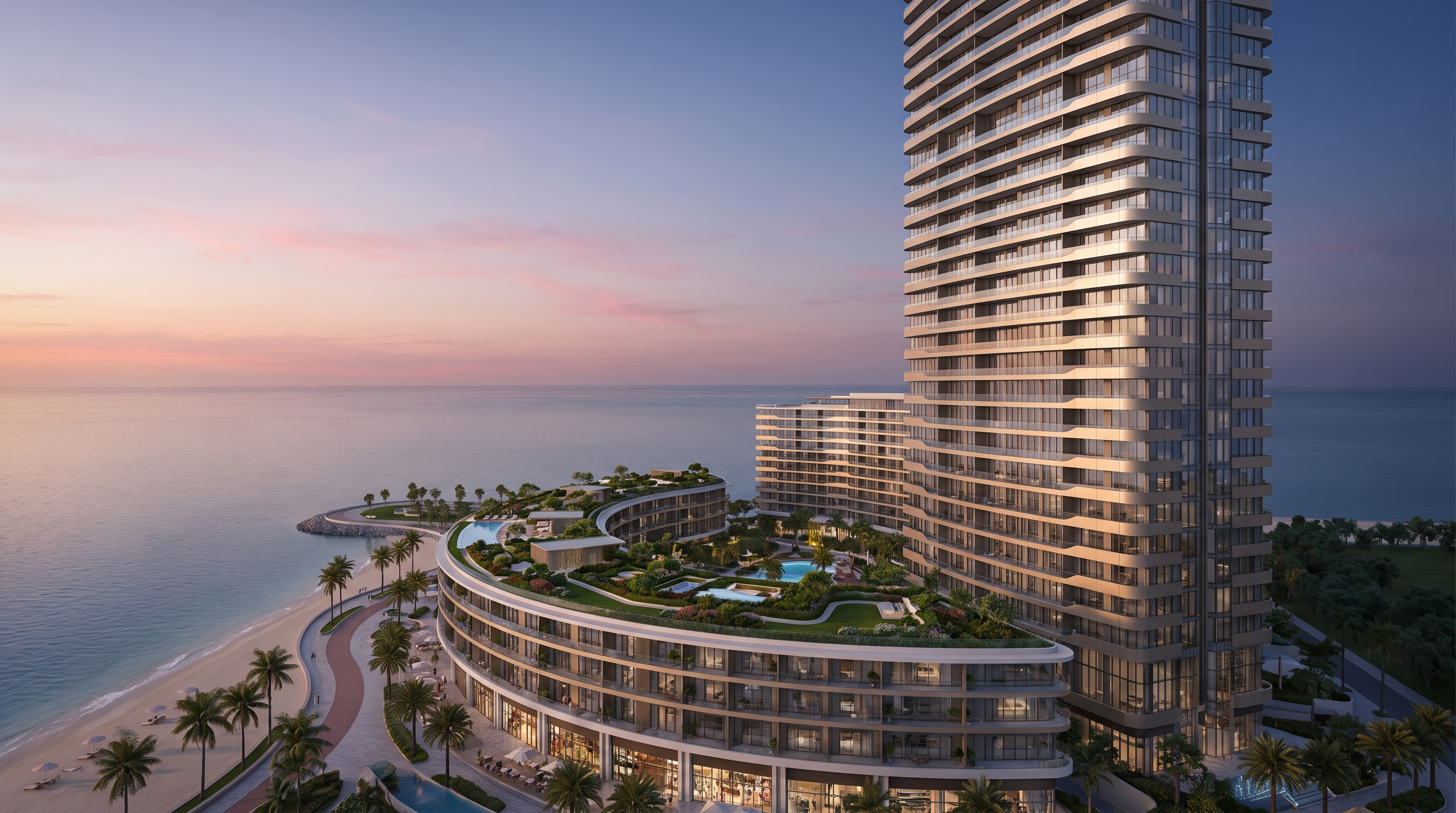
- 01Demo project — Not for sale
Curved waterfront tower
Harbour district — illustrative
Illustrative developer 01Illustrative developer
Price on request
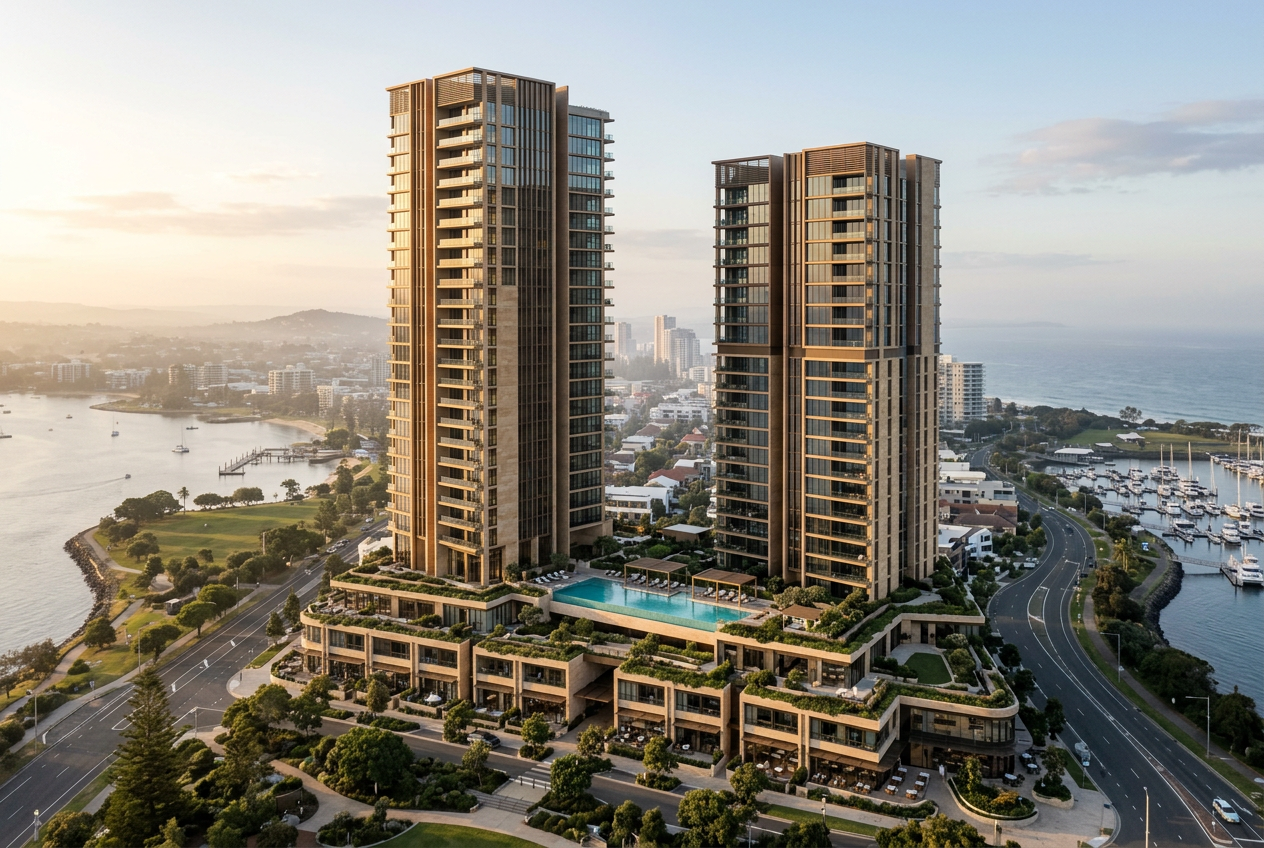
Explore project - 02Demo project — Not for sale
Twin towers on one podium
Central district — illustrative
Illustrative developer 02Illustrative developer
Price on request
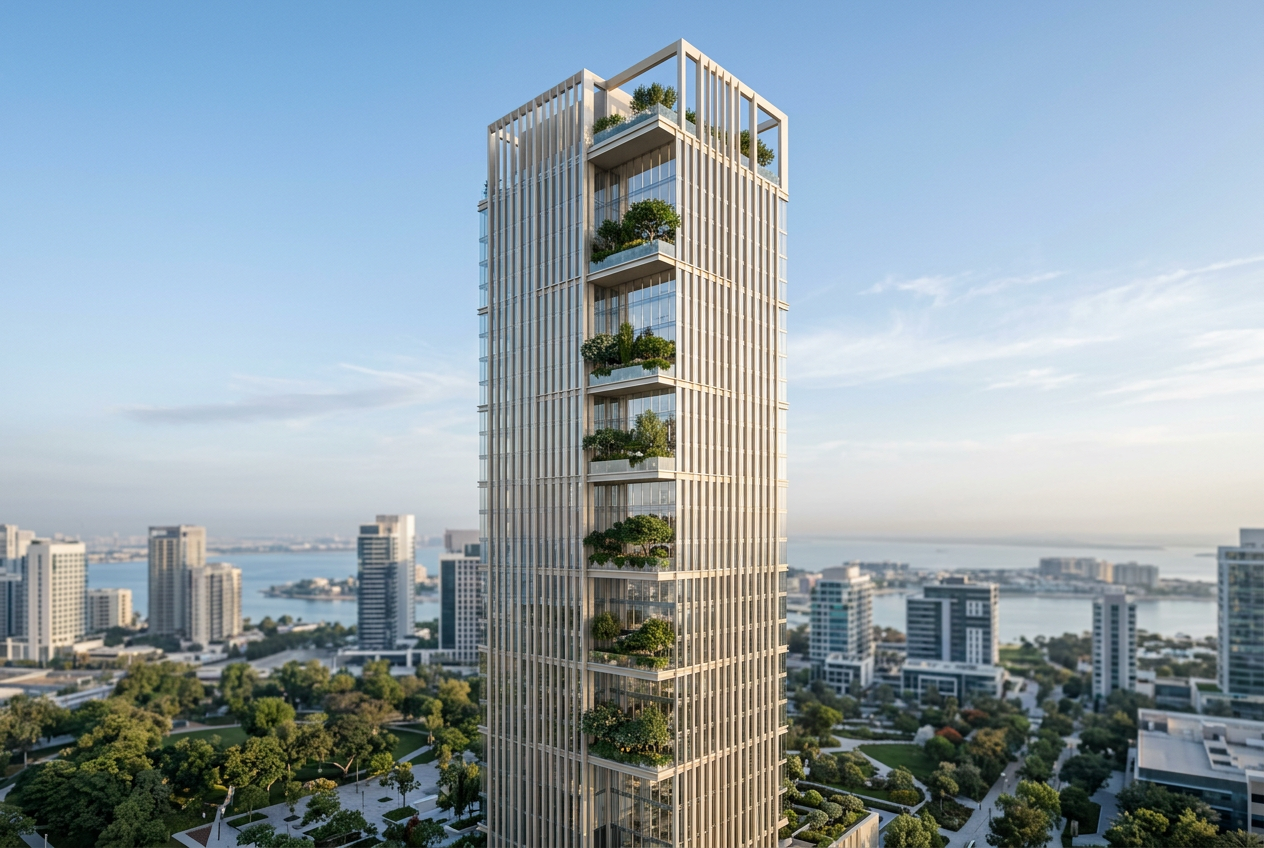
Explore project - 03Demo project — Not for sale
Sky-garden tower
Garden district — illustrative
Illustrative developer 03Illustrative developer
Price on request
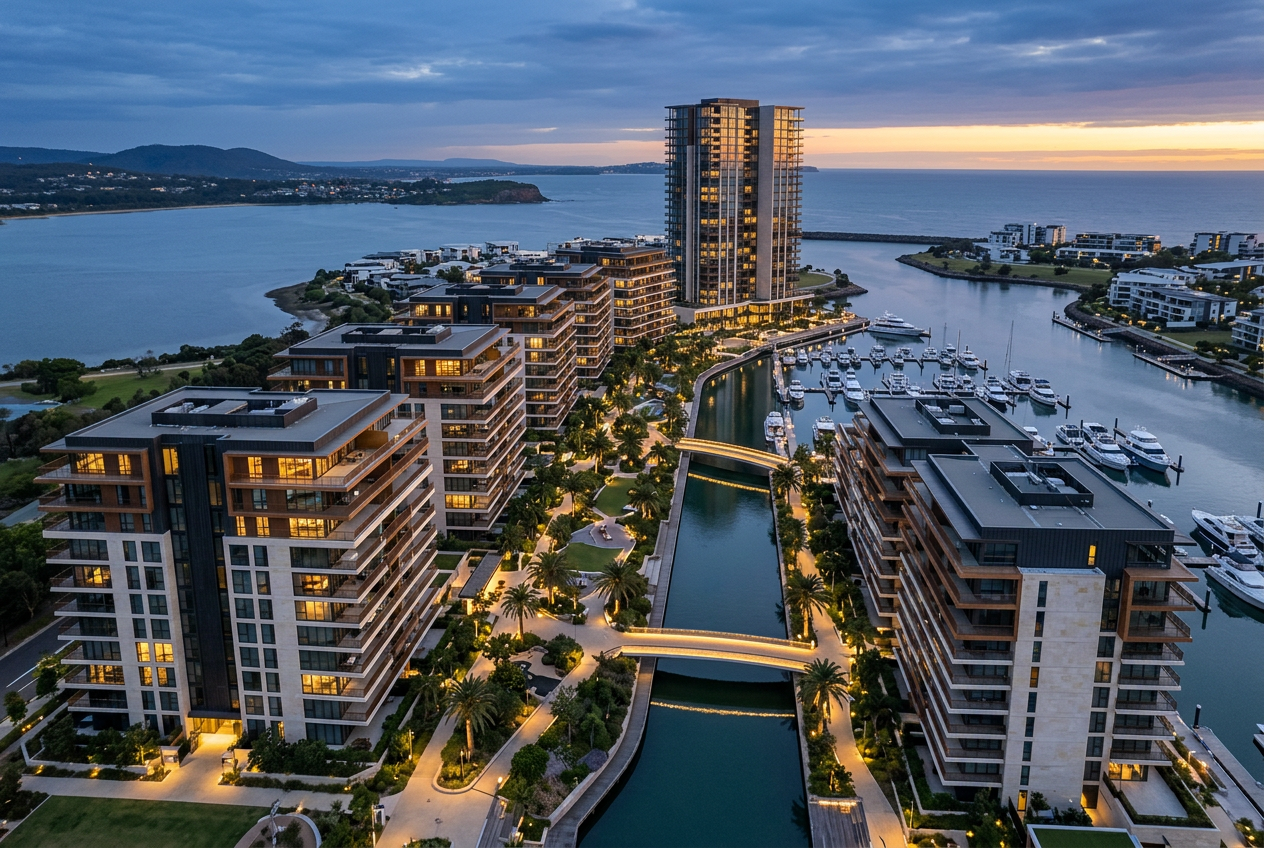
Explore project - 04Demo project — Not for sale
Canal district
Coastal district — illustrative
Illustrative developer 04Illustrative developer
Price on request
Explore project
For buyers
Clear information, and direct contact with the real estate developer.
Browsing, exploring and enquiring are always free for buyers — no account needed.
Project facts, as approved
Location, buildings, unit types and nearby landmarks where available — in Arabic and English.
The real estate developer and its badge
A project shows its real estate developer, the public profile and the «Verified developer» badge where it applies.
Price on request
No listed prices and no investment promises; price and details come from the real estate developer.
Your contact with the real estate developer is direct
Request a callback from the project page, or use WhatsApp where offered. You deal with the real estate developer directly; TwinMaq takes no bookings or payments.
About TwinMaq
A real-estate technology platform focused on Saudi Arabia.
TwinMaq improves how buyers and real estate developers discover, present and communicate about projects — in Arabic and English.
Project files
An interactive 3D experience
On the buyer's screen
Present
The TwinMaq team turns project files into an interactive 3D experience and reviews it before publication.
Discover
A bilingual marketplace of publication-approved projects that buyers search without an account.
Communicate
Buyers contact the real estate developer directly, and everything published goes through the publication gates and compliance holds.
For Real Estate Developers
Present your landmark developments through an interactive digital experience.
The TwinMaq team turns your project files into an interactive 3D experience and publishes it on a bilingual marketplace where buyers search.
Reach buyers who are searching
Your published projects appear in Arabic and English, searchable by project name, location and developer, on pages search engines can index.
Trust built on verification
A verified developer carries the badge on its projects and gets a public profile of its published projects.
The Developer Platform
One bilingual workspace for your team: roles, drafts, a readiness checklist and status tracking to Live.
Every project is reviewed and approved by TwinMaq before publication — nothing is published automatically.
For buyers and real estate developers — in Arabic and English.
- BuyersView all projects
- Real Estate DevelopersList your project